Accessing the Twingate Customer Portal
Last updated: April 10, 2026
Twingate Admins with Technical Support Entitlement can sign into the Twingate Customer Portal to create or view existing support requests directly via the Twingate admin console.
⚠ Email Technical Support Eligibility
While you may be able to create or login to the Twingate Customer Portal to open a support request, please note we are only able to provide email technical support to accounts with Technical Support Entitlement.
Verifying your Email Address
Authentication into the Twingate Customer Portal is via SSO from your Twingate admin console. This requires a one time email verification process to proceed the first time you attempt to login into the Customer Portal, or if your email address changes.
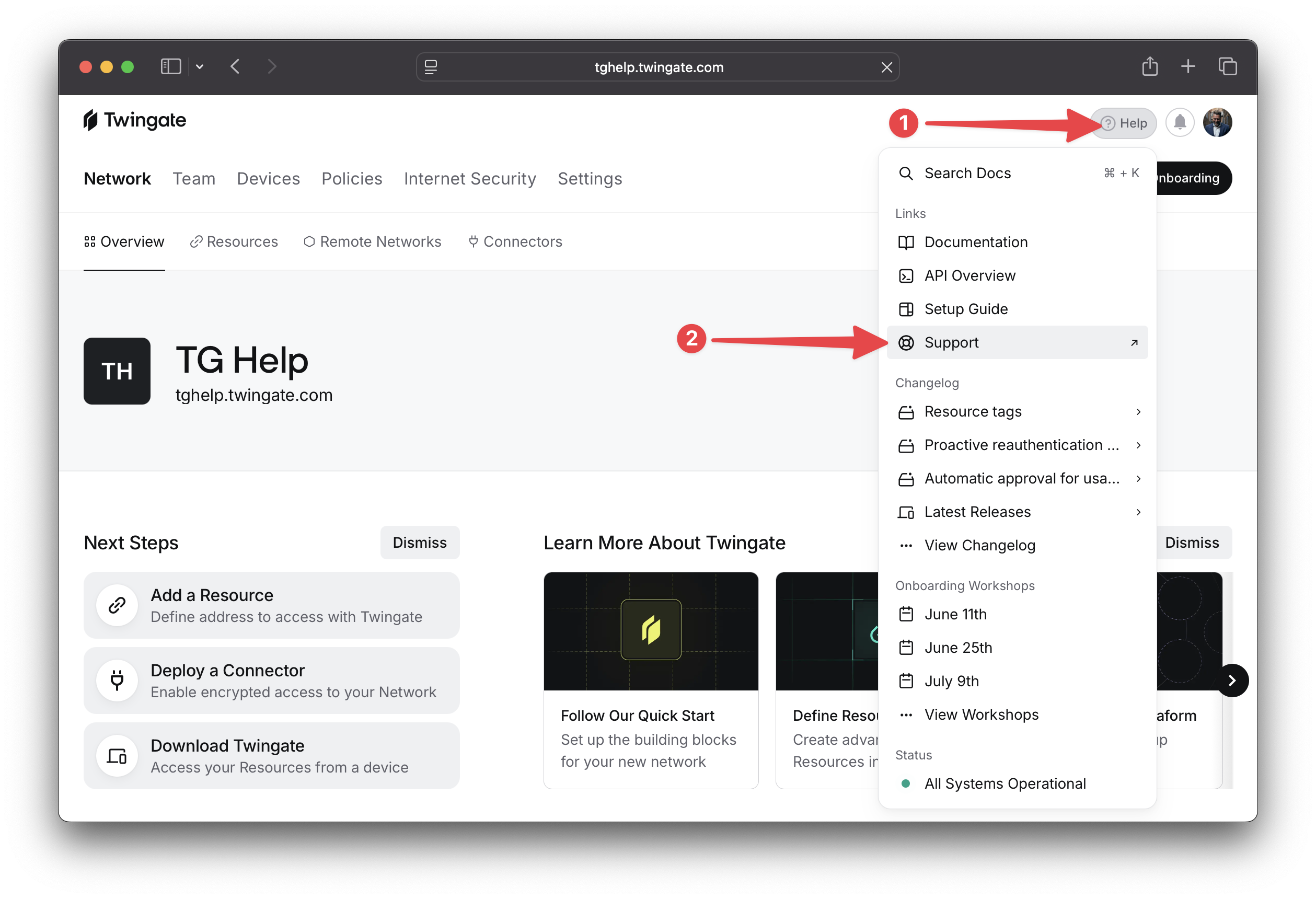
In the Twingate admin console, click on the Help button, then Support as shown below. If you see an option for Community instead of Support, this indicates you do not have Technical Support Entitlement and you will be directed to our Reddit community support page.
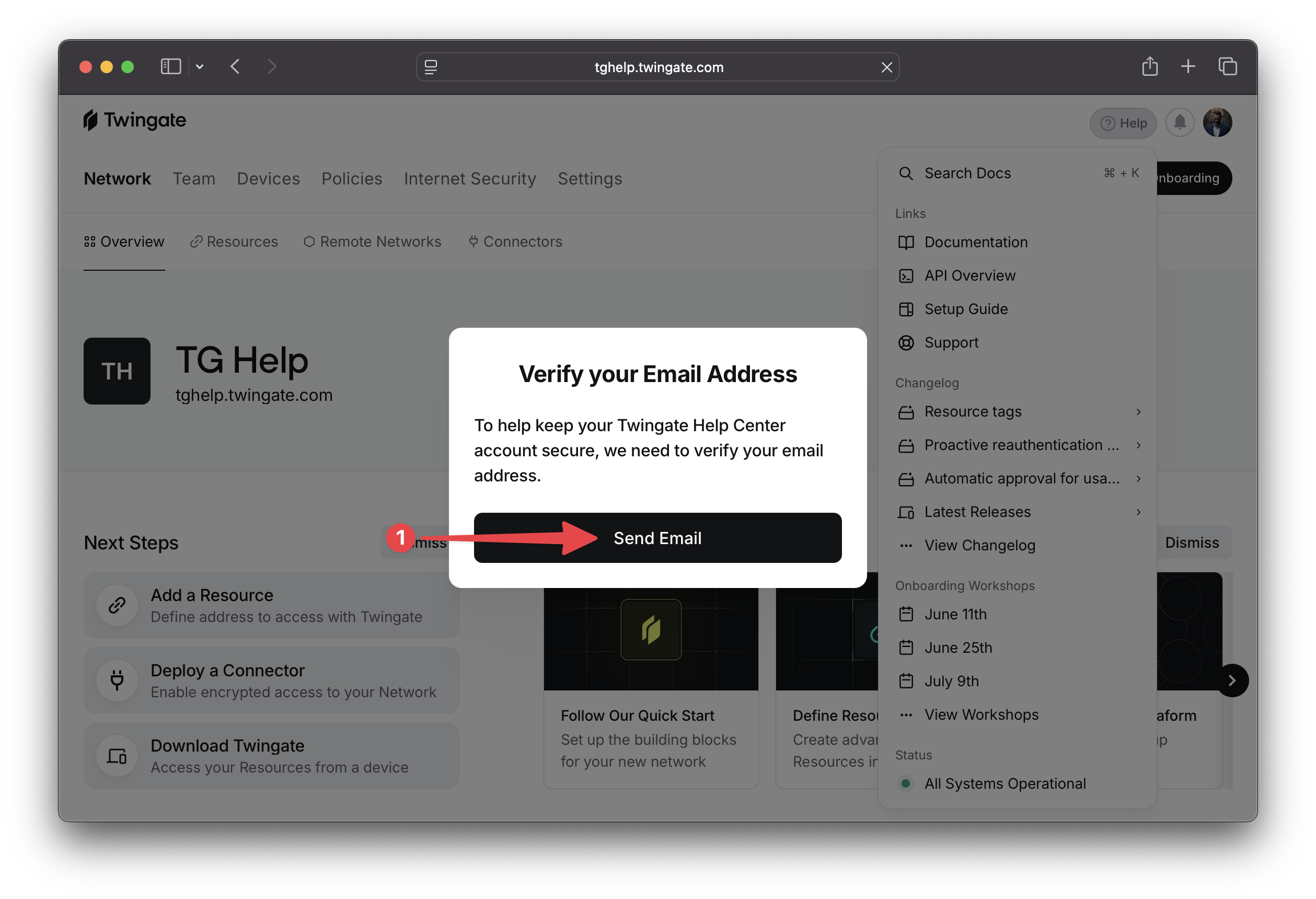
Click the Send Email button when prompted to verify your email address If prompted.
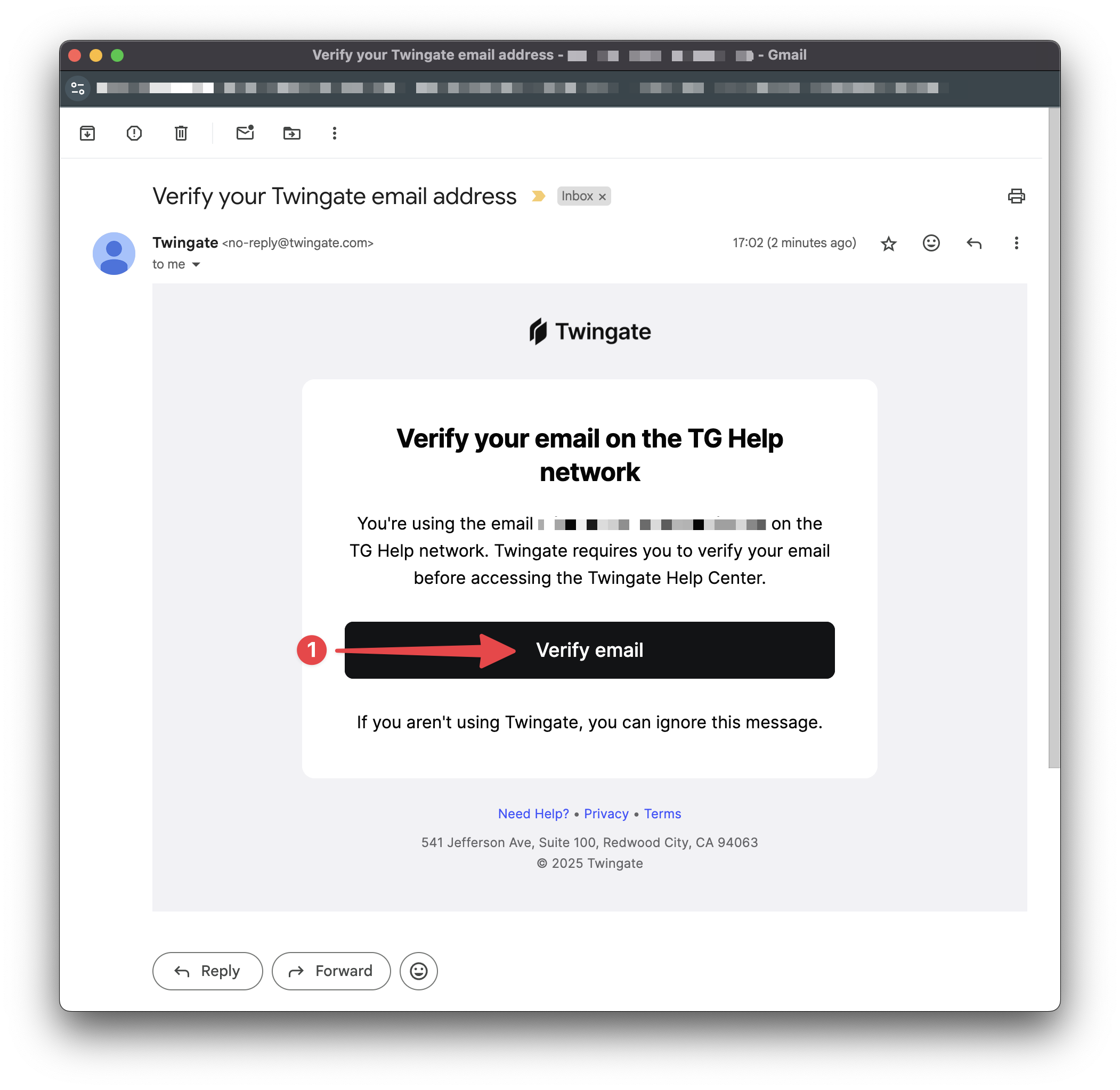
Check your inbox for an email from Twingate asking you to verify your Twingate email address. Click on Verify email.
You will be directed to your web browser which will confirm successful email verification. Finally, please click on Go to Twingate Help Center.
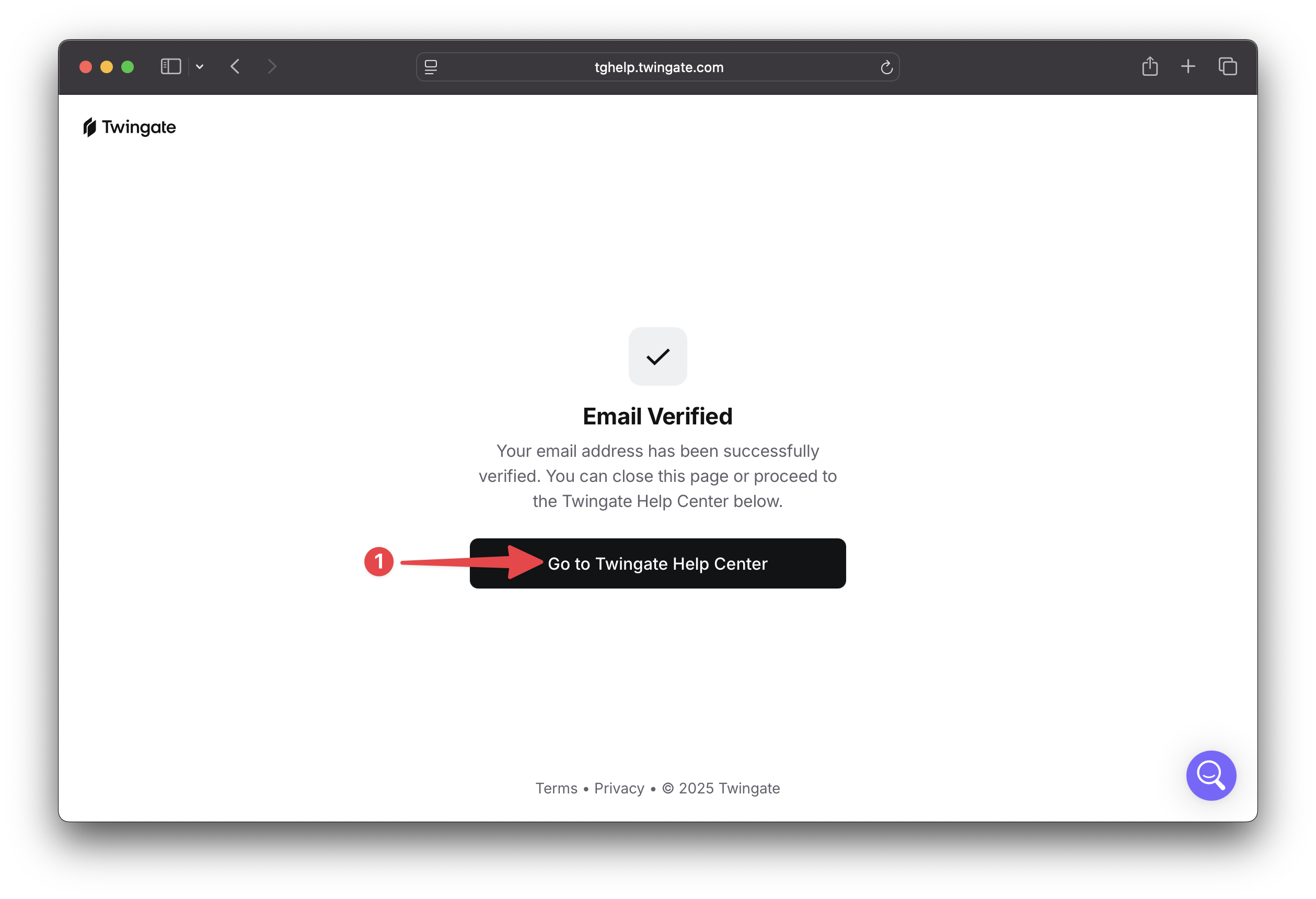
Your email has now been successfully verified and you will be taken to the Twingate Help Center as shown below.
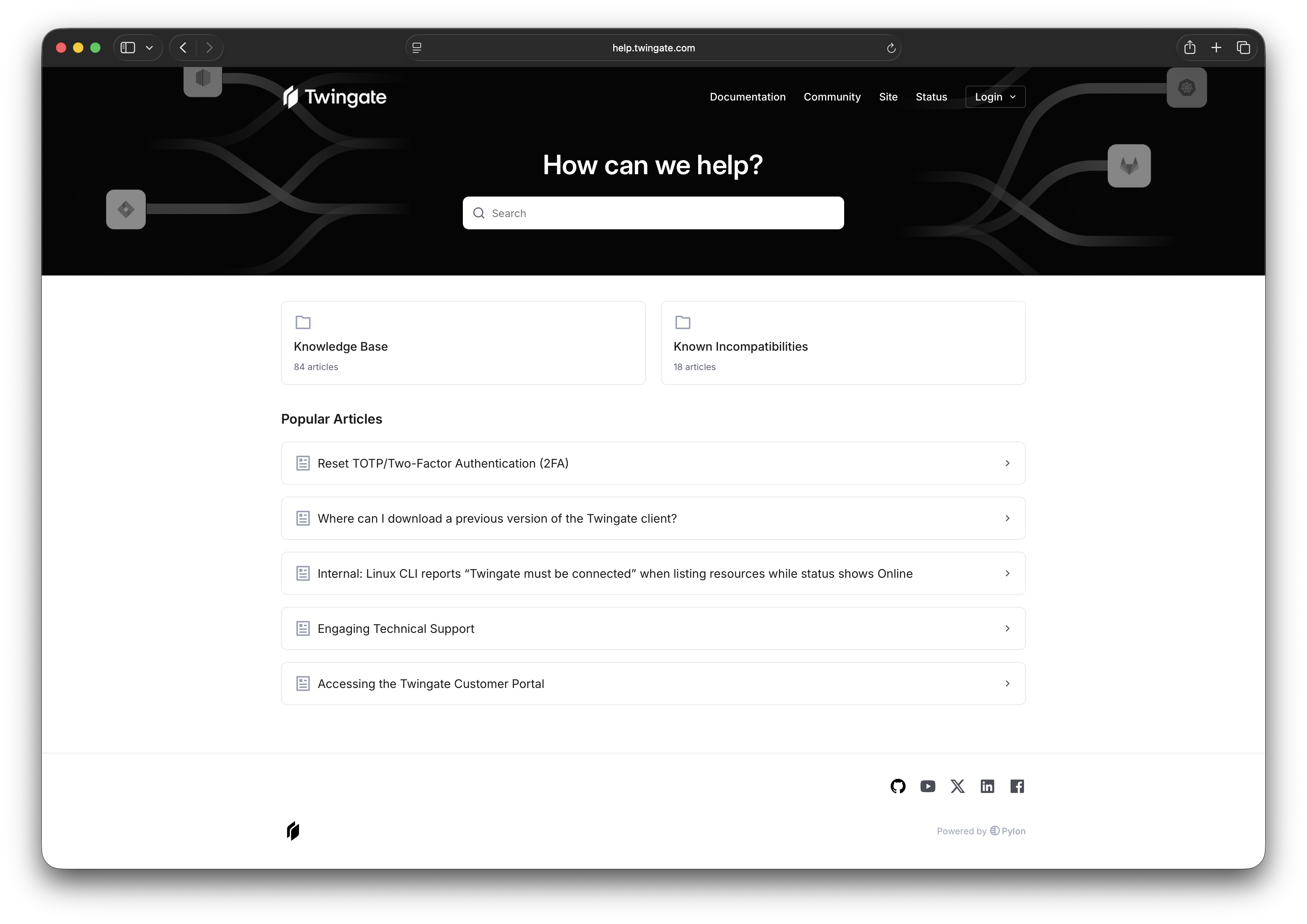
Now that your email has been successfully verified, clicking on Support in the admin console will log you in directly to the Twingate Customer Portal.