[macOS Client] Uninstalling Twingate
Last updated: September 16, 2026
Uninstalling the Twingate macOS Client
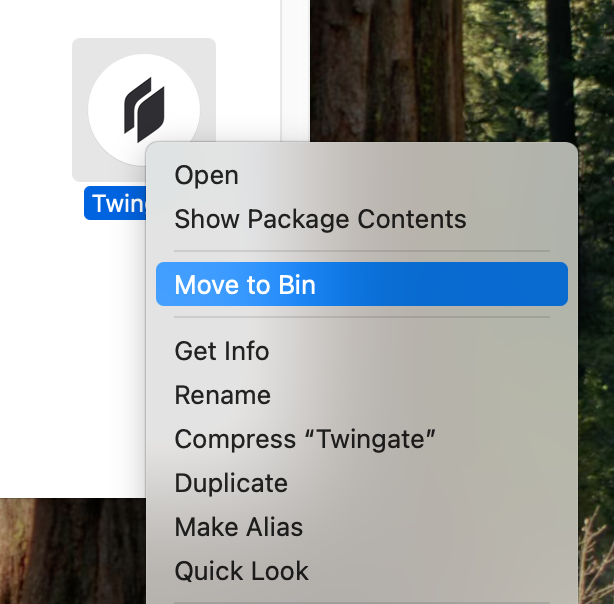
To uninstall the Twingate macOS Client, simply quit the Application and drag it to the Bin.
Alternatively, right-click on the application and select 'Move to Bin'.
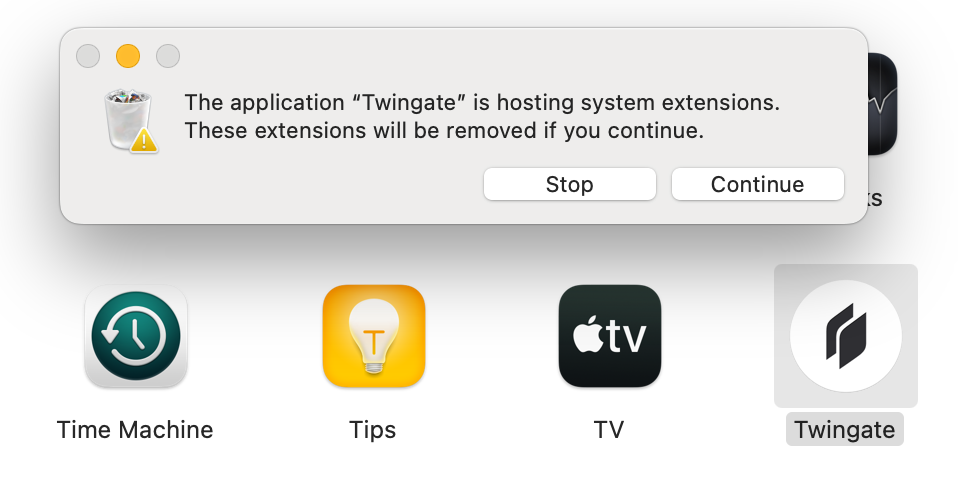
If you are uninstalling the Standalone Client which includes the System Extension, this process will also remove the System Extension. When prompted, click 'Continue'.