Android Auto Refuses to Start when Twingate is connected (Error 21)
Last updated: April 3, 2026
If you're connected to Twingate on your Android device and attempt to use Android Auto in your vehicle, you will receive an error message like the following:
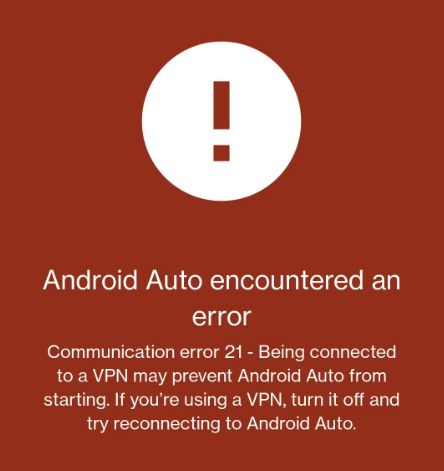
Android Auto encountered an error. Communication error 21 - Being connected to a VPN may prevent Android Auto from starting. If you're using a VPN, turn it off and try reconnecting to Android Auto.
Unfortunately the issue you're encountering is not a Twingate specific issue, but an Android Auto specific issue.
Android Auto will throw that particular error (error 21) if it detects any sort of VPN in use on the device, regardless of whether or not it would actually affect Android Auto traffic, and display the error/refuse to start.
Because Twingate makes use of the VPN framework within Android to facilitate the connections to Twingate resources, it is detected as a VPN and therefore will cause the flag to be raised.
The only solution is to log out of Twingate while in your vehicle, which will allow Android Auto to successfully start.