[Windows Client] Upgrades via Intune from 2024.63 and older to 2024.142 fail to honor NETWORK= param
Last updated: April 3, 2026
Applicable to:
- Twingate Component: Windows Client
- Version(s): 2024.63 and older to 2024.142
Overview
When upgrading the Windows Client via Intune from 2024.63 or older to version 2024.142, the NETWORK= param will be ignored in the config file.
Cause
In the latest version of our Windows Client, we leverage a secure storage credential that ends up being unpopulated, and the contents of the config file are ignored. This happens specifically when upgrading via Intune, from 2024.63, to 2024.142.
This issue is not present when upgrading from later versions (2024.123) and up, via Intune.
Workaround
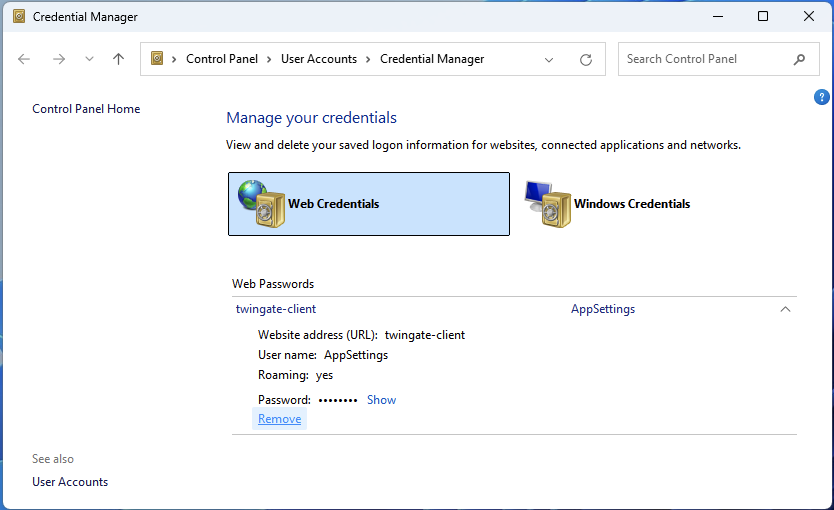
Users can manually browse to the Credential Manager:
- Control Panel > User Accounts > Web Credential Manager
-
Remove the
twingate-clientAppSettings entry - Restart the client